Streamline Your Small Business with Power Automate: Real-World Use Cases
Discover how small businesses can save hours every week by automating simple but time-consuming tasks. Learn how a website contact form can connect directly into your CRM with Power Automate and get ideas for other smart automations that boost efficiency.
Streamline Your Small Business with Power Automate
Running a small business is tough enough without wasting valuable time on repetitive, manual tasks. Whether it's copying website leads into a spreadsheet, sending follow-up emails, or updating records in your CRM, these activities eat into the hours you should be spending on growth.
That's where Microsoft Power Automate comes in. Think of it as a digital assistant. Power Automate operates quietly behind the scenes to keep things flowing smoothly. With some preparation, it can connect your favorite apps and automate entire workflows, saving time, reducing errors, and providing your customers with a better experience.
Example: Turning Website Contact Forms into CRM Leads
Let's say you run a small service business. A potential customer fills out the "Contact Us" form on your website. Usually, you or someone on your team would need to:
- Open the email notification.
- Copy the details into your CRM or a spreadsheet.
- Send a follow-up email.
- Consider creating a task in your project system to follow up with them.
That's four steps, every single time.
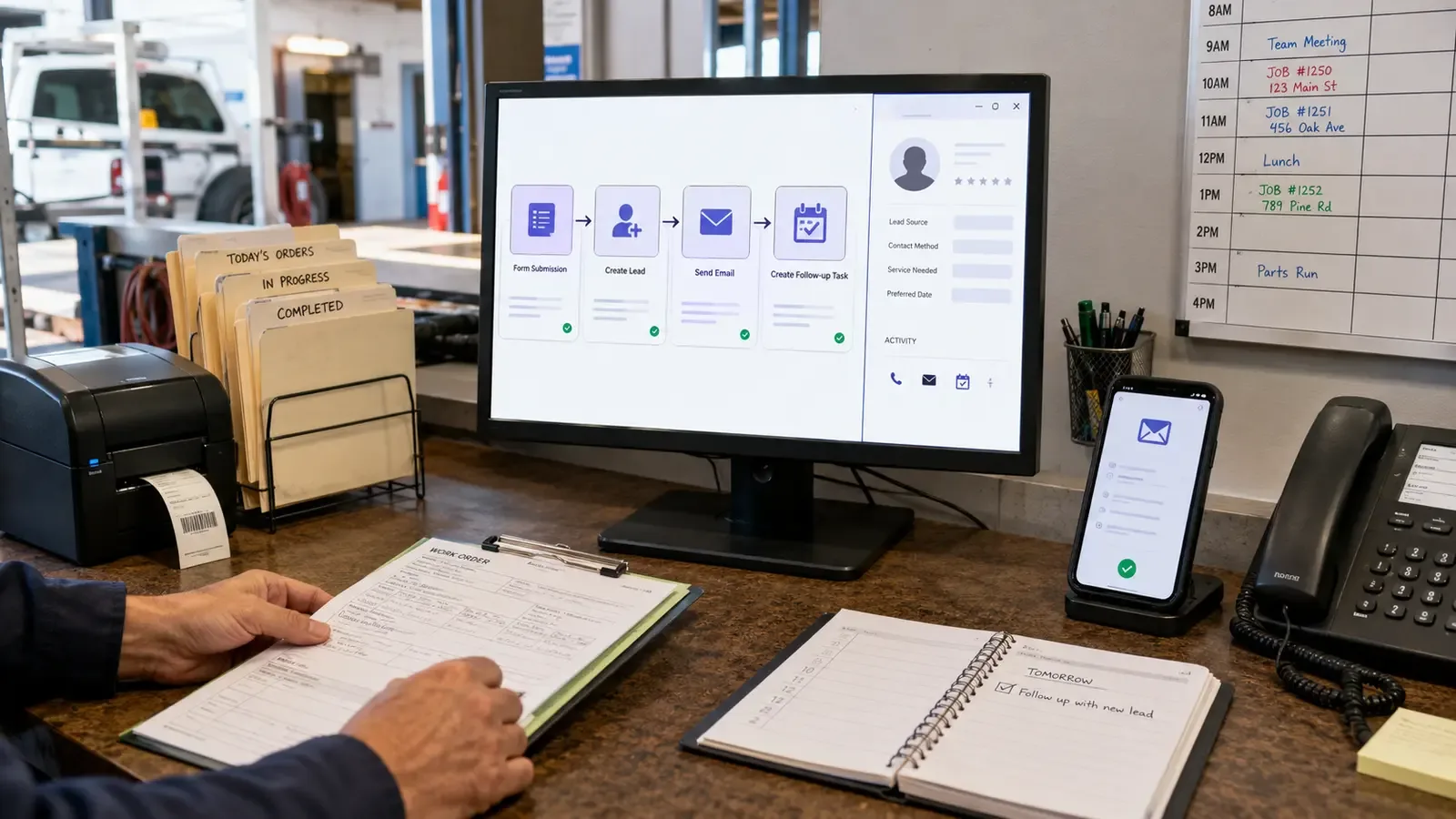
With Power Automate, you can connect your website form directly to your CRM. Here's how it works:
- Step 1: A customer submits the form on your website.
- Step 2: Power Automate creates a new lead in your CRM, such as Dynamics 365, HubSpot, or Zoho.
- Step 3: A personalized confirmation email is sent to the customer.
- Step 4: A task is created for your sales representative to follow up within 24 hours.
No copying. No pasting. No forgetting. Just reliable automation.
Why This Matters
- Speed: Customers hear back immediately, demonstrating your responsiveness.
- Accuracy: No typos or missed details when copying data.
- Efficiency: Your staff is freed up to focus on real customer conversations.
This kind of automation does not require heavy coding. It is designed to be approachable and practical.
Other Automation Ideas for Small Businesses
Once you have set up your first workflow, there are many other useful possibilities:
- Automatic Invoices: When a job is marked complete, Power Automate can create and send an invoice.
- Follow-Up Reminders: If a customer has not responded in seven days, automatically send a polite reminder.
- Social Media Posting: Schedule blog updates or other posts for your social channels.
- Data Sync: Keep Google Sheets or Excel synchronized with your CRM for reporting.
- Onboarding: When a customer signs a contract, send a welcome email and create a checklist for your team.
How Patriot Tech Heroes Can Help
Setting up automation might feel intimidating at first, but you do not have to do it alone. Patriot Tech Heroes helps small businesses in Lake Country use tools like Power Automate to work smarter.
We can help you:
- Identify the best tasks to automate.
- Connect your existing software and apps.
- Build workflows that fit how you work.
- Train your team to manage and expand automations over time.
Final Thoughts
Automation is not just for large corporations. It is one of the smartest investments a small business can make. Even saving 10 minutes per task adds up to hours every week, giving you more time for customers, strategy, and growth.
If you are ready to explore how Power Automate can transform your business, let's talk. We can build practical workflows, such as converting contact forms into CRM leads, that pay off immediately and grow with you over time.
Contact Patriot Tech Heroes today to discuss your automation needs.